
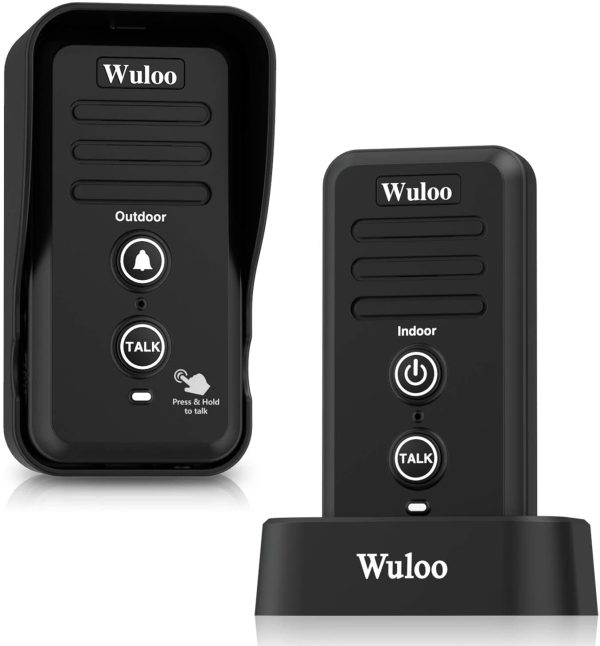
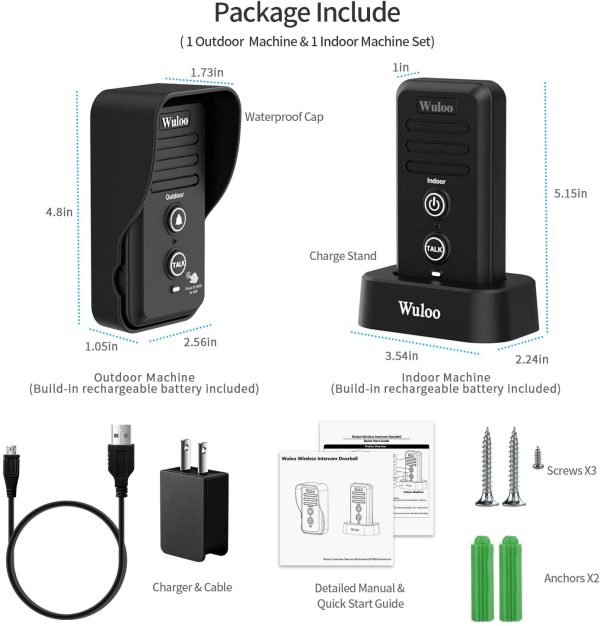
Wuloo Wireless Intercom Doorbells for Home Classroom, Intercomunicador Waterproof Electronic Doorbell Chime with 1/2 Mile Range 3 Volume Levels Rechargeable Battery Including Mute Mode(Black, 1&1). NB: THIS ITEM SHIPS IN 5 WEEKS.
$ 97.96
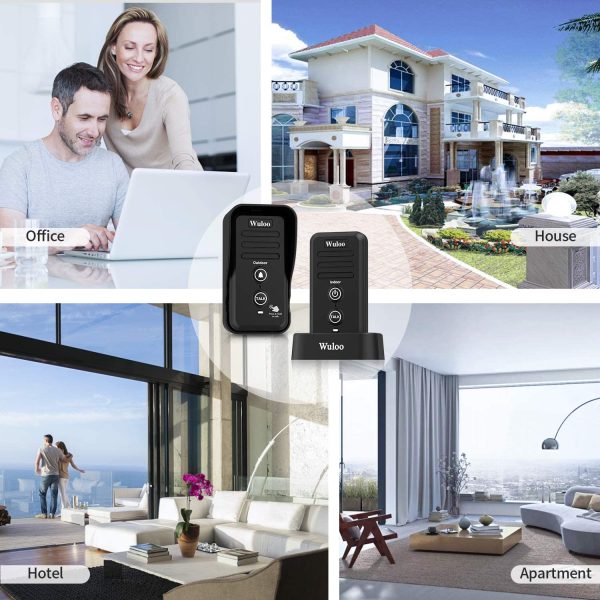
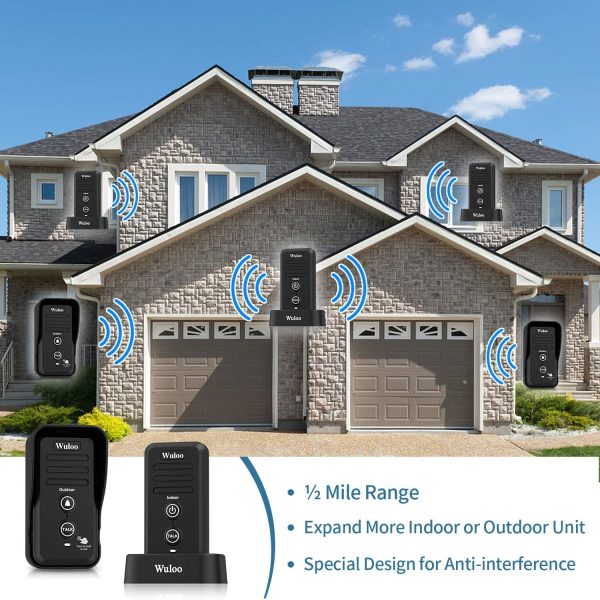
Intercom Doorbell W1T1 – Black Intercom Doorbell W1T2 – Black Intercom Doorbell W1T1 – White Intercom Doorbell W1T2 – White Intercom System WL666 – 2 Stations Black Intercom System WL888 -2 Stations Black Model NO. W1T1 – Black W1T2 – Black W1T1 – White W1T2 – White WL666-2 Stations Black WL888-2 Stations Black Channel Quantity none none none none 10 Channel 22 Channel Code Quantity 3 Code 3 Code 3 Code 3 Code 3 Code 100 Code Signal Range 1/2 Mile ( 2640 ft ) 1/2 Mile ( 2640 ft ) 1/2 Mile ( 2640 ft ) 1/2 Mile ( 2640 ft ) 1 Mile ( 5280 ft ) 1 Mile ( 5280 ft ) Power Port 5V 1A Rechargeable Battery (Adapter include) 5V 1A Rechargeable Battery (Adapter include) 5V 1A Rechargeable Battery (Adapter include) 5V 1A Rechargeable Battery (Adapter include) 5V 1A ( Adapter include ) 5V 1A ( Adapter include ) Power ON/OFF Key The indoor machine has Power button, and the outdoor machine without; The indoor machine has Power button, and the outdoor machine without; The indoor machine has Power button, and the outdoor machine without; The indoor machine has Power button, and the outdoor machine without; none ✓ Expandable ✓ ✓ ✓ ✓ ✓ ✓ Use For Home, Office, Business, Outdoor Activities Home, Office, Business, Outdoor Activities Home, Office, Business, Outdoor Activities Home, Office, Business, Outdoor Activities Home, Office, Business, Outdoor Activities(use Power Bank,Power bank not included) Home, Office, Business, Outdoor Activities(use Power Bank,Power bank not included) Power Bank Don’t support power bank, use rechargeable battery (Battery included) Don’t support power bank, use rechargeable battery (Battery included) Don’t support power bank, use rechargeable battery (Battery included) Don’t support power bank, use rechargeable battery (Battery included) Support 5V 1A ( Not included ) Support 5V 1A ( Not included ) Suit Occations How to use the wireless intercom doorbell 1) Set the same channel (A, B, or C) for both the indoor and outdoor machine; 2) Long press the ON/OFF button of the indoor machine to turn it on; 3) Attach the outdoor machine to the exterior of your front door. Once the chime rings, click the ON\OFF button or the TALK button of the indoor chime to stop the ringing. To speak to the visitor, press and hold the TALK key to communicate with the outdoor device. Release the TALK button after speaking to listen to any response from outside. The visitor simply press and hold the TALK key to respond. Note: 1.The factory setting of the indoor machine is in the shutdown state. After receiving the goods, please long press ON/OFF key button for 3 seconds to turn on the indoor unit. 2.Outdoor machine will return to sleeping mode if it does not detect action within 25 seconds. Please click CALL button on the outdoor machine to activate it. Each conversation must be initiated by outdoor machine, and then the indoor machine can talk with the outdoor unit after receiving the ring. 3.This wireless intercom doorbell is a unidirectional transmission system with the same frequency. You cannot speak to your visitor and listen to them at the same time. Please wait until the visitor is done speaking to press the TALK key to respond. 4. Please note that you will need to set the same channel if you want 2 intercom doorbells to receive communication. It also means any other FM wireless intercom device can communicate with your system if they have the same frequency. For example, your neighbors may be able to interfere with your intercom system if they are using intercom device. We suggest setting your system to another channel to avoid interference. Troubleshooting: Problem 1: Does not work Possible solution 1: Check if the indoor machine turned on. If not, please long press the ON/OFF key of the indoor machine to activate it. Possible solution 2: Check if both devices are charged. Charge devices at least 1 hour and try again. Problem 2: Cannot hear response Possible solution 1: Check if the 2 devices are on the same channel. If not, set them to the same channel
 Square Black Corner Glass Shelf
 Square Stainless Steel Shelf
 Square Towel Shelf and Rail